First, Log into PCC Email and Set up Two-Factor Authentication 
Log into PCC email ( https://outlook.com/piedmontcc.edu )
Sign-in requires your username with @students.piedmontcc.edu
Refer to PCC webpage for Two-Factor Authentication for directions and video (https://piedmontcc.edu/it/2fa/)
Download "Microsoft Authenticator" app using your mobile device’s app store
**We highly recommend to setup multiple methods - email(s), cell phone, home phone, text, work phone, etc.
Don’t have a mobile phone then use “Sign in another way”
Need help with Two-Factor Authentication? Call (336) 322-2300 or email support@piedmontcc.edu
Refer to DL Handout (below) if you have problems logging into Email or contact IT Student Help Desk
Second, Log into PCC Moodle 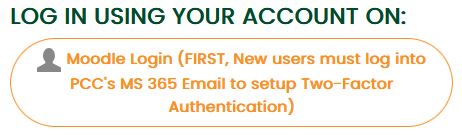
New students cannot log into Moodle until 14 days prior to the course's start date.
The course will be visible in "My Courses" on the course's start date between 6:30 AM and 7:00 AM.
- Must setup PCC Email prior to logging into Moodle.
- Click on "Log in" located at the top right
- Click on first button "Moodle Login"
Use Cellular Phone for Moodle 
Download app using your mobile device’s app store "Open-LMS" app (not the "Moodle" app)
For “Your site” use https://piedmontcc.myopenlms.net
Refer to Open LMS webpage for Discover the Power of Learning on the Go With the Open LMS Mobile App (https://www.openlms.net/mobile-app/)